Every word, your way.
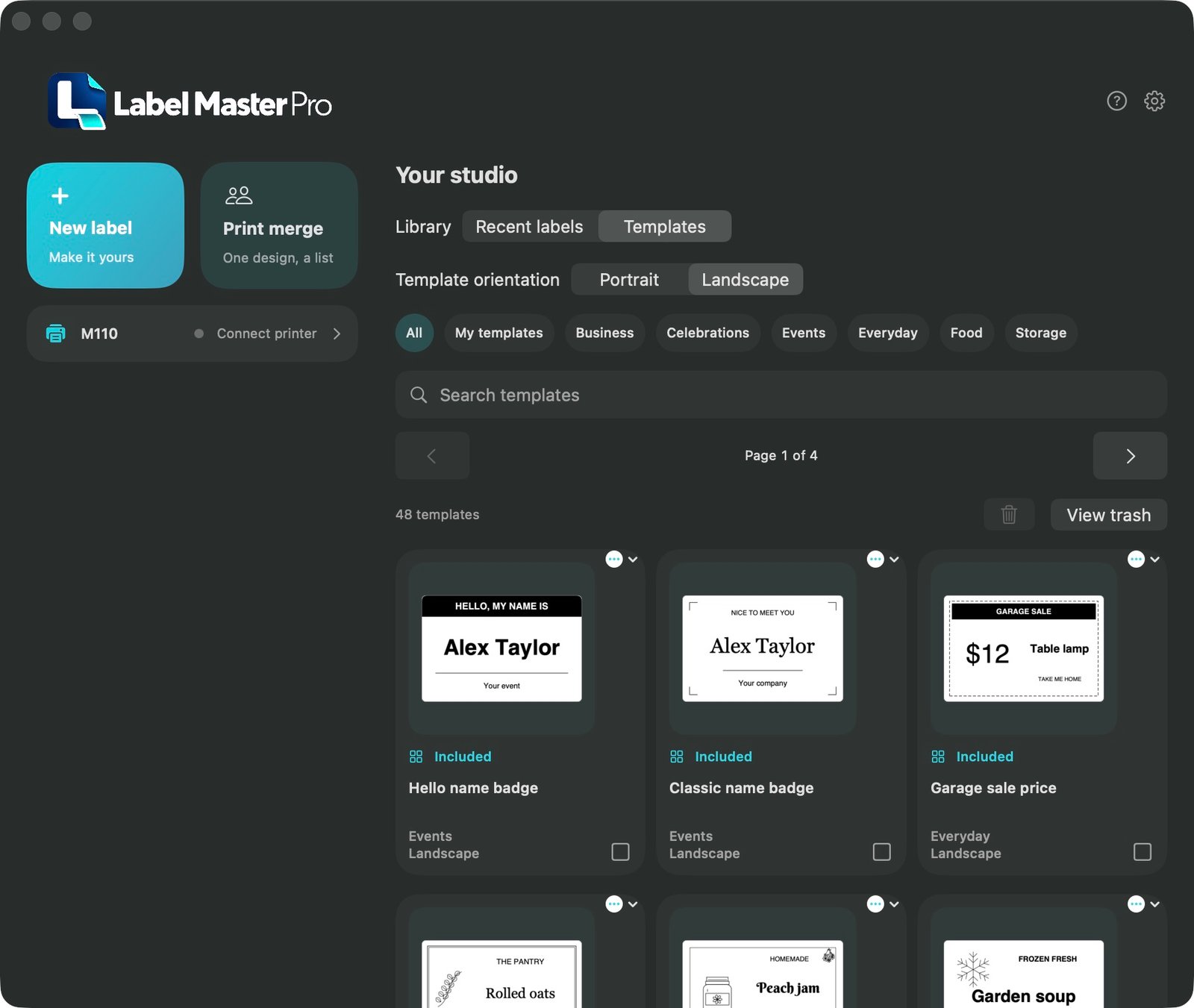
Edit right on the label. Explore fonts, precise spacing, alignment, arched lettering and shadow, echo or filled 3D text effects.

NATIVE LABEL STUDIO · IN DEVELOPMENT
From the workshop drawer to a thoughtful gift. A flexible place to design the small things that make a big difference.
IT STARTED WITH ONE PRINTER
LabelMaster Pro grew from a need for more professional design tools—and frustration with high subscription prices for software that should come with hardware you already own.
A printer should open up possibilities. That means editing directly on the label, working with expressive typography and artwork, and keeping your own reusable designs. Everyday label creation starts with a capable free edition.
One optional, one-time Pro purchase unlocks the complete current feature set. Go beyond everyday labeling with custom illustrated borders, tables, text recognition and print merge that turns a list into names, prices and inventory barcodes. No recurring subscription.
SMALL CAN STILL BE POWERFUL
The details belong to you.
The tools should get out of your way.
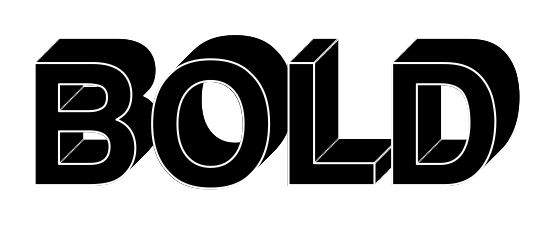
Filled 3D lettering with crisp, defined edges. Make a short headline stand out.
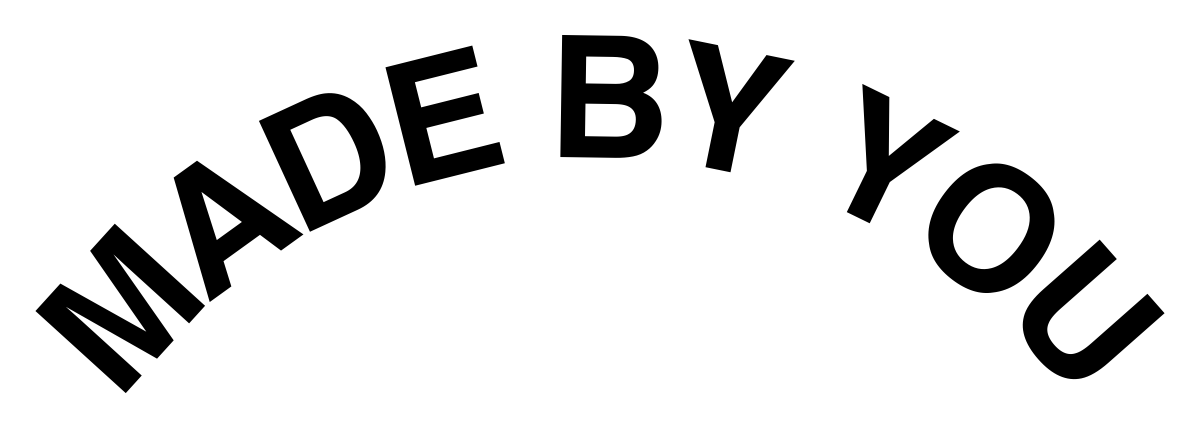
Bend type around a round label or an object. Adjust the arc right on the canvas.
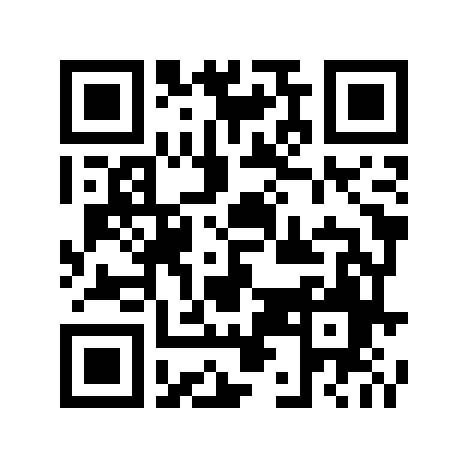
Scan or tap to visit this website.
richwebllc.com/labelmaster-pro ↗
Typography examples rendered with LabelMaster Pro’s design engine. The QR code links to this website; it will link to the app’s App Store page at launch.
Edit right on the label. Explore fonts, precise spacing, alignment, arched lettering and shadow, echo or filled 3D text effects.
Add selected photos and files, including SVG and single-page PDF artwork. Prepare images for sharp monochrome thermal output.
Create manual QR and Code 128 codes. Add useful dates, shapes and simple borders to everyday labels.
Move, resize, rotate and arrange objects. Reuse saved designs and templates instead of starting over.
Pro print merge pairs a reusable layout with a CSV or text list for names, inventory codes and repeat jobs.
Work locally, even offline. Turn on optional iCloud synchronization when you want your designs and saved paper settings on your other devices.
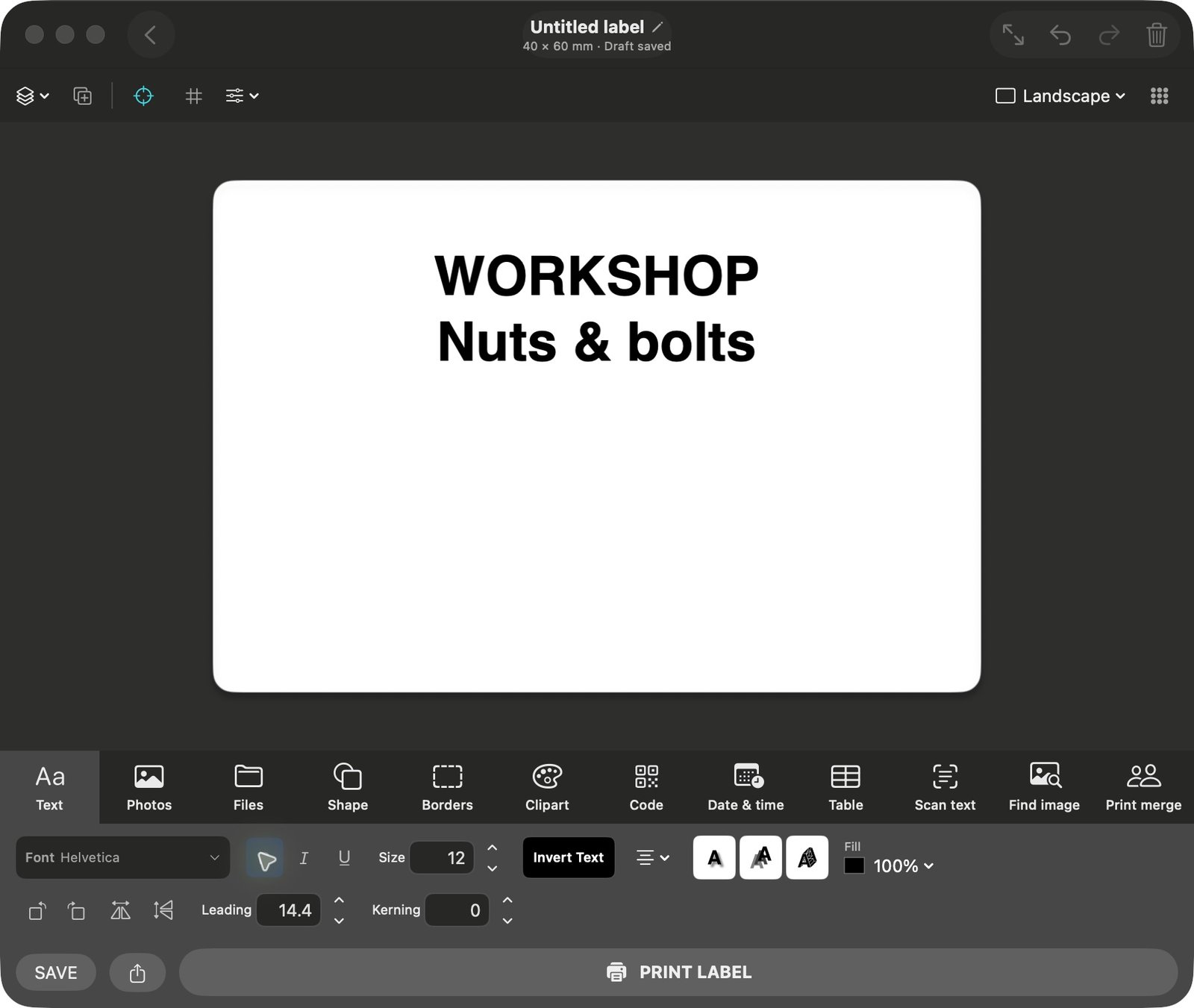
01 / RIGHT ON THE CANVAS
Type directly on the label, fine-tune the type and arrange your objects. Switch from the smooth design to a printer-dot preview when you want to inspect how a thermal printer will render it.
02 / A GOOD FIT FROM THE START
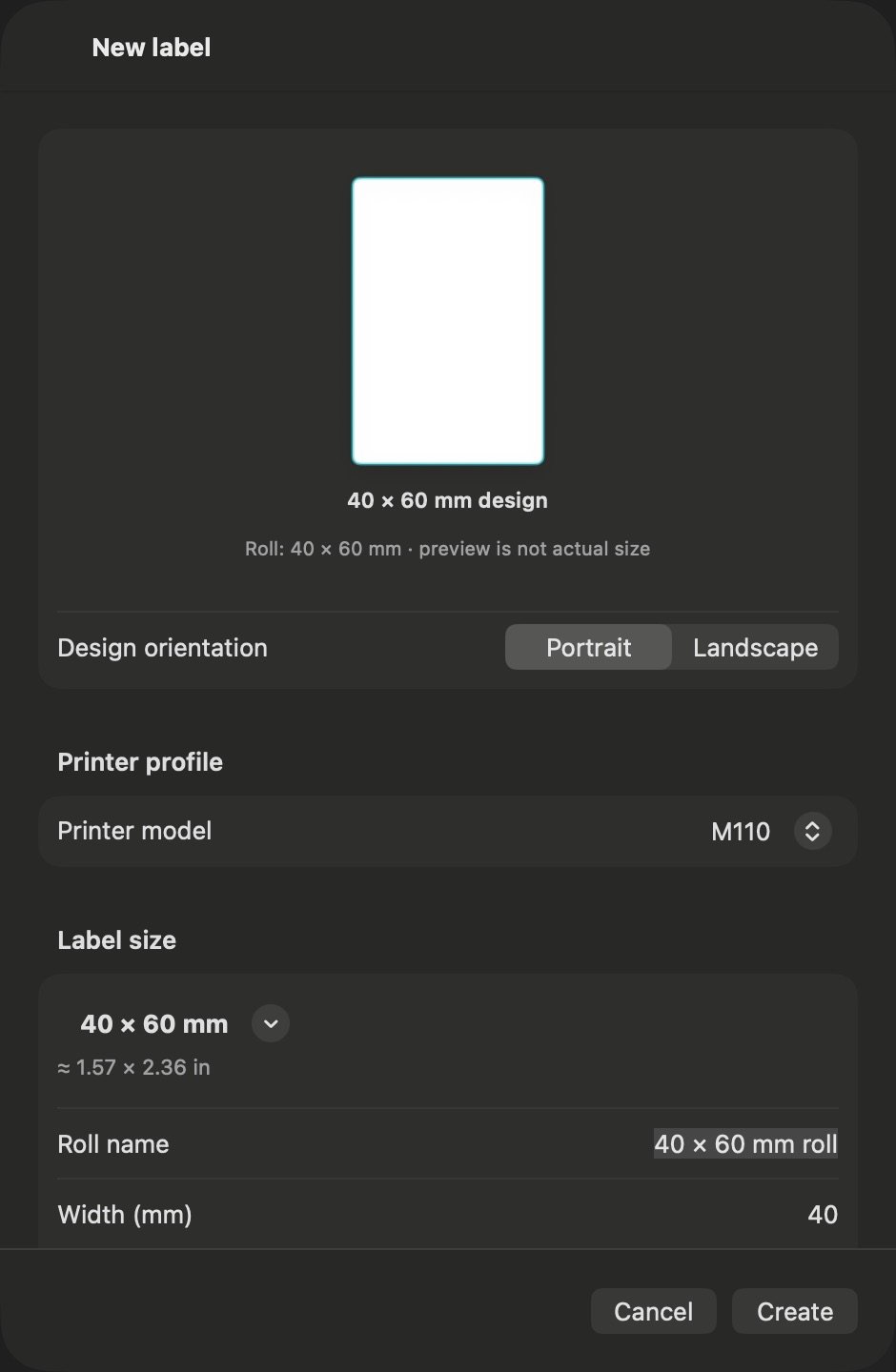
Choose a preset or create a custom label size when your roll is not listed. Enter its dimensions, choose the shape and rounded corners, and save it with a readable name for easy selection next time. Portrait and landscape layouts fit the way you want to design.
Confirm the roll physically loaded in your printer before printing. Optional iCloud sync shares saved roll sizes and printer paper settings across your devices. Current output is monochrome on gapped labels; a sample print checks the real-world fit.
MADE FOR REAL THINGS
Give jars, boxes and everyday essentials a clear, coordinated home.
Find the right fastener, tool or parts bin at a glance.
Combine product names, prices and inventory barcodes in a reusable layout.
Create decorative favors, place settings and thoughtful finishing touches.
Use Pro print merge to turn a list of items and prices into ready-to-stick sale labels.
Make one badge or use Pro print merge for a whole guest list, with room for names and roles.
Keep seed varieties, planting dates and garden supplies easy to identify.
Put names on shared supplies, project boxes and equipment.
Give handmade work a signature look with custom type, artwork and borders.
Identify chargers, adapters and connections with clear text and QR references.
Add a batch name and date to homemade jams, pickles and seasonal preserves.
Organize a personal library or collection with shelf labels and inventory codes.
KNOW WHAT WORKS
Development targets:
macOS 14+ · iOS / iPadOS 17+
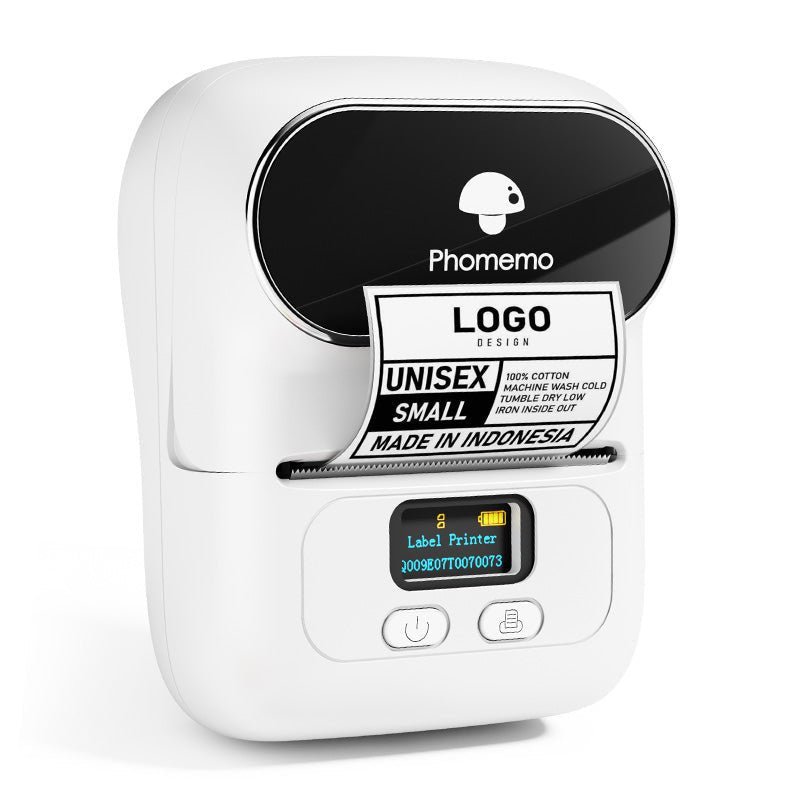
M110 is the tested starting point.
Functional printing and label-feed checks have been completed on the M110 test unit. M120 and M220 profiles are included experimentally; they have not been verified on physical hardware.
| Printer | Roll width | Print width | Status |
|---|---|---|---|
| M110 | 20–50 mm | Up to 48 mm | Tested unit |
| M120 | 20–50 mm | Up to 48 mm | Experimental |
| M220 | 20–75 mm | Up to 72 mm | Experimental |
Printer revisions and Bluetooth interfaces vary. Compatibility with every unit, firmware or roll is not guaranteed. Current profiles use gapped labels with a 10–80 mm feed height. The app does not modify printer firmware.
Ask about your setup →START SIMPLE. GROW WHEN YOU NEED TO.
Coming Soon to the App Store
Free to start. One-time Pro upgrade. No subscription.
Ordinary label printing, without a subscription.
Unlock the complete current feature set with a single purchase. No recurring plan.
Purchase pricing, supported devices and platform availability will be presented through the App Store when released. Apple handles payment and restoration. Pro designs remain viewable if Pro is unavailable; editing, printing and image export of those designs require Pro.
A FEW USEFUL ANSWERS
Coming soon to the App Store. This site previews implemented features while the app is prepared for release. Use the support form for questions or feedback.
The free edition includes ordinary label printing. One optional, one-time Pro upgrade unlocks the complete current feature set, with no subscription. Localized pricing and platform availability will be shown through the App Store when released.
Basic local design and printing do not require a printer-vendor account. Apple services are used for purchases and, if you enable it, iCloud. Optional online image searches connect to their providers.
Current printer profiles produce monochrome thermal labels. Dithering and halftone controls adapt photographs to the printer’s black-and-white output.
Functional printing and label-feed testing have been completed on the M110 test unit. Hardware revisions, Bluetooth interfaces and firmware vary, so every unit is not guaranteed. Match the loaded roll and try a sample before a large run.
No. Local design and printing work without library synchronization. If you enable iCloud, it stores your design library under your Apple Account. Sync is optional and is not a separate backup.